Roles and Permissions
hidettp uses role-based access control (RBAC) to manage what each member can do within an organization. Every member is assigned exactly one role, and roles follow a strict hierarchy: Owner > Admin > Member > Viewer.
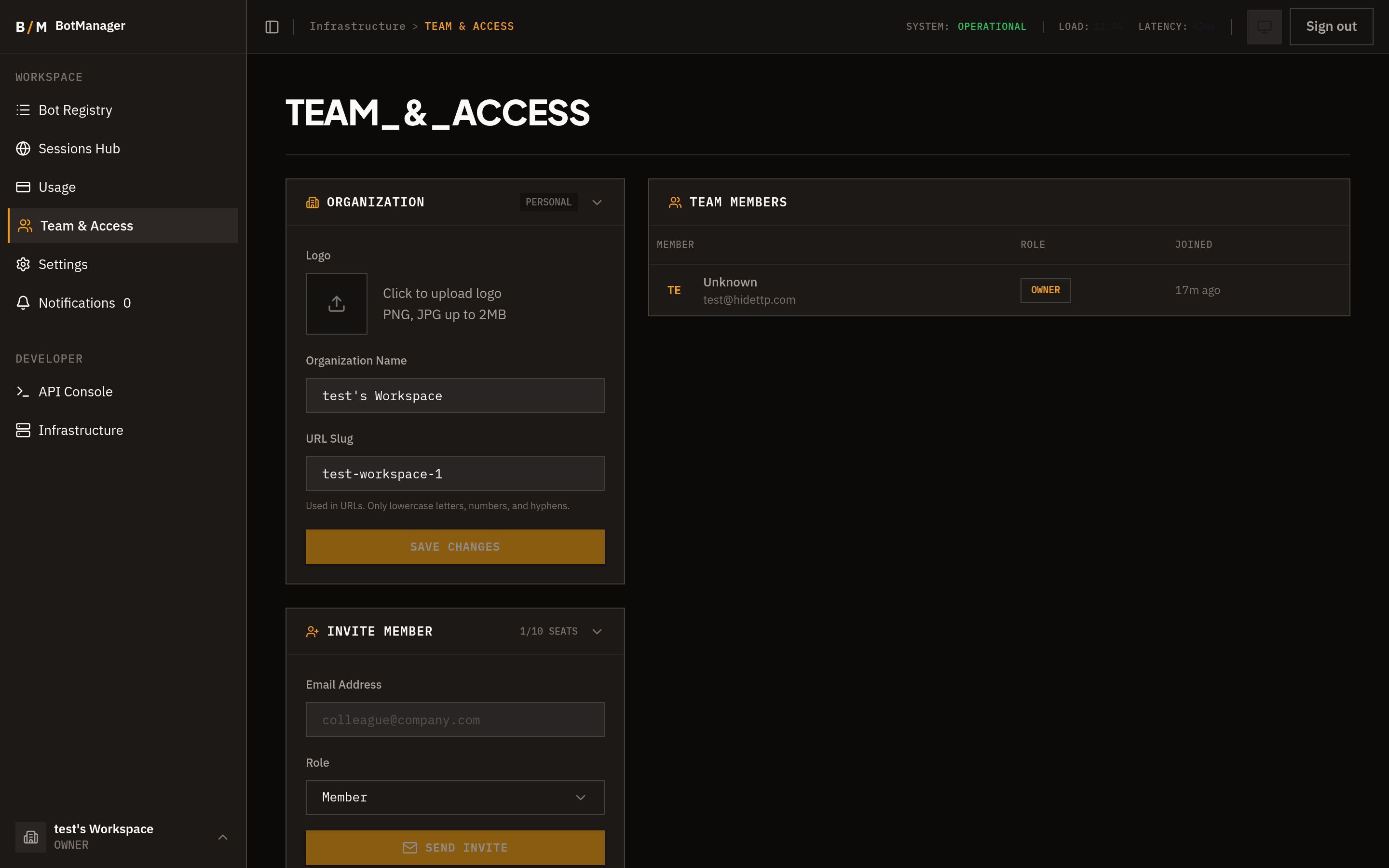
Roles
Owner
The Owner has full control over the organization. There is exactly one Owner per organization.
- All permissions without exception
- Delete the organization
- Transfer ownership to another member
- Manage roles for all team members
Ownership can be transferred, but the organization must always have one Owner.
Admin
Admins have broad operational access but cannot destroy or transfer the organization.
- View, create, edit, execute, and delete any bot
- View and edit organization settings
- View the team and invite new members
- Create and view API keys
Member
Members can work with bots but have limited administrative access.
- View, create, edit, and execute bots
- Delete only their own bots
- View the team
Members cannot access settings, invite others, or manage API keys.
Viewer
Viewers have read-only access.
- View bots and their executions
- View the team
Viewers cannot create, edit, execute, or delete anything.
Permission Matrix
The table below lists every permission and which roles have it.
| Permission | Owner | Admin | Member | Viewer |
|---|---|---|---|---|
| View bots | Yes | Yes | Yes | Yes |
| Execute bots | Yes | Yes | Yes | No |
| Create bots | Yes | Yes | Yes | No |
| Edit bots | Yes | Yes | Yes | No |
| Delete own bots | Yes | Yes | Yes | No |
| Delete any bot | Yes | Yes | No | No |
| View settings | Yes | Yes | No | No |
| Edit settings | Yes | Yes | No | No |
| View team | Yes | Yes | Yes | Yes |
| Invite members | Yes | Yes | No | No |
| Manage roles | Yes | No | No | No |
| Create API keys | Yes | Yes | No | No |
| View API keys | Yes | Yes | No | No |
| Delete organization | Yes | No | No | No |
| Transfer ownership | Yes | No | No | No |
Notes
- Role changes take effect immediately. If a Member is promoted to Admin, they gain access to settings and API keys right away.
- Removing a member from an organization revokes all their access to that organization's data.
- The Owner role cannot be removed from the organization. To leave, the Owner must first transfer ownership to another member.