Browse Now
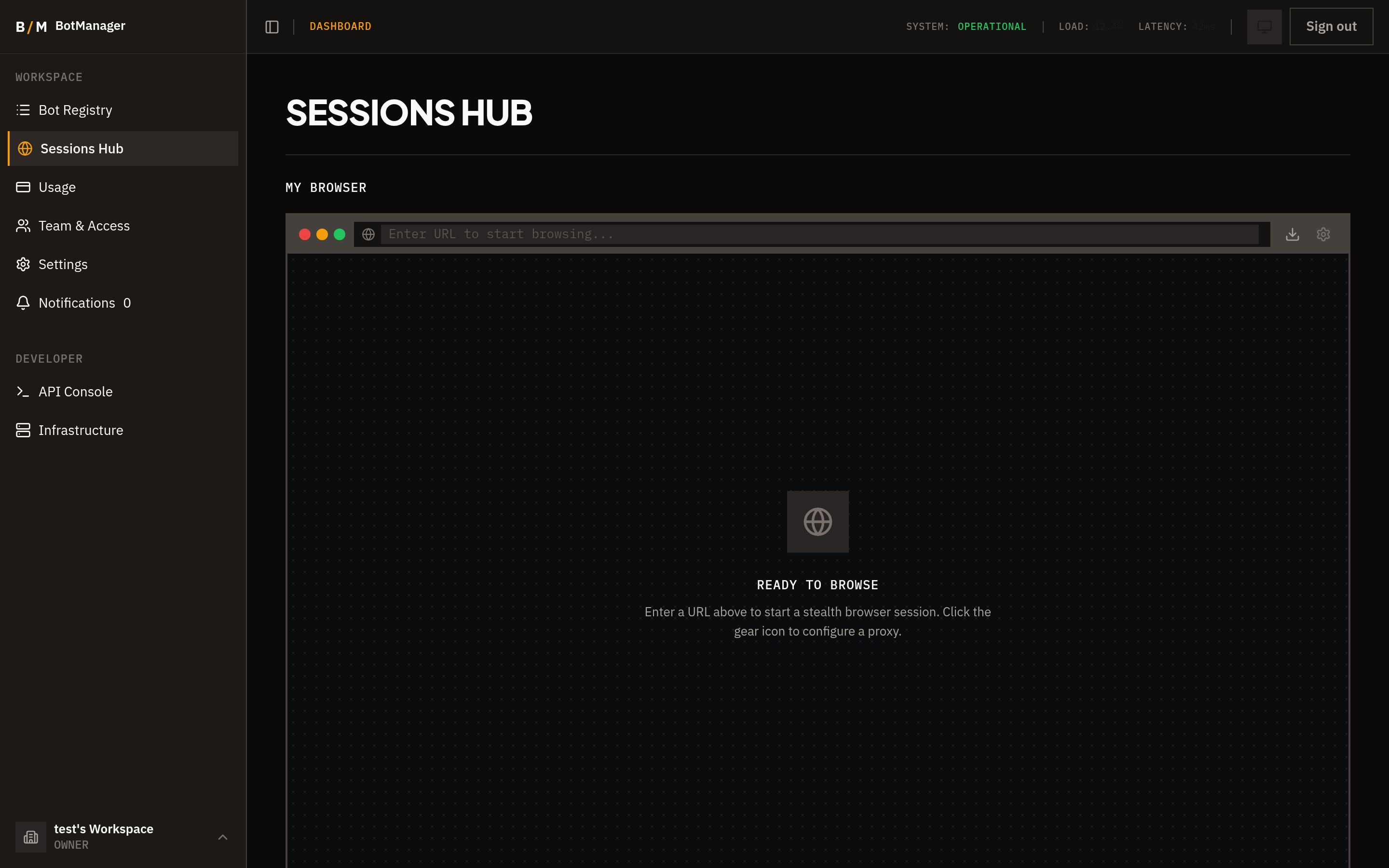
Browse Now gives you a personal stealth browser session you can use directly from the hidettp Sessions Hub. It launches a full Chrome browser with anti-detection protections, accessible in real time through your dashboard — no local software required.
Use Cases
- Manual browsing — Access websites through a stealth browser that resists fingerprinting and bot detection.
- Site investigation — Explore a target site's structure, authentication flows, or dynamic content before building a bot.
- Bot testing — Manually walk through the steps you plan to automate, verifying selectors and page behavior.
- Proxy validation — Confirm that a proxy configuration routes traffic correctly and the target site responds as expected.
Features
- URL navigation bar — Enter any URL to navigate the browser, just like a regular browser address bar.
- Real-time interaction — Click, type, scroll, and interact with pages in real time. The browser responds to your input with no noticeable delay.
- Proxy settings — Configure a proxy for the session to route traffic through residential or datacenter proxies.
- File download tracking — Files downloaded during the session are captured and available for retrieval.
Session Lifecycle
- Create session — From the Sessions Hub, click Browse Now to launch a new browser session. The browser spins up and you are connected immediately.
- Browse — Use the browser as you would any other. Navigate pages, interact with elements, and explore freely.
- Close session — When finished, close the session to release the browser instance. Any captured files remain available for download.
A navigation guard warns you before accidentally leaving the page while a session is active, preventing unintentional session loss.
Sharing a Session
You can share your live browser session with others:
- Click the Share button while a session is active.
- A shareable link is generated.
- Send the link to anyone — they can view and interact with the same browser session in real time.
External Viewer Detection
When someone opens your shared session link, you can see that a viewer has connected. If you need to revoke access, you can do so immediately from the session controls, invalidating the shared link.